

Paper files and personal folders
Contracts, certificates and IDs live in cabinets and inboxes, so nobody knows which copy is current or when it expires.
Employee Management
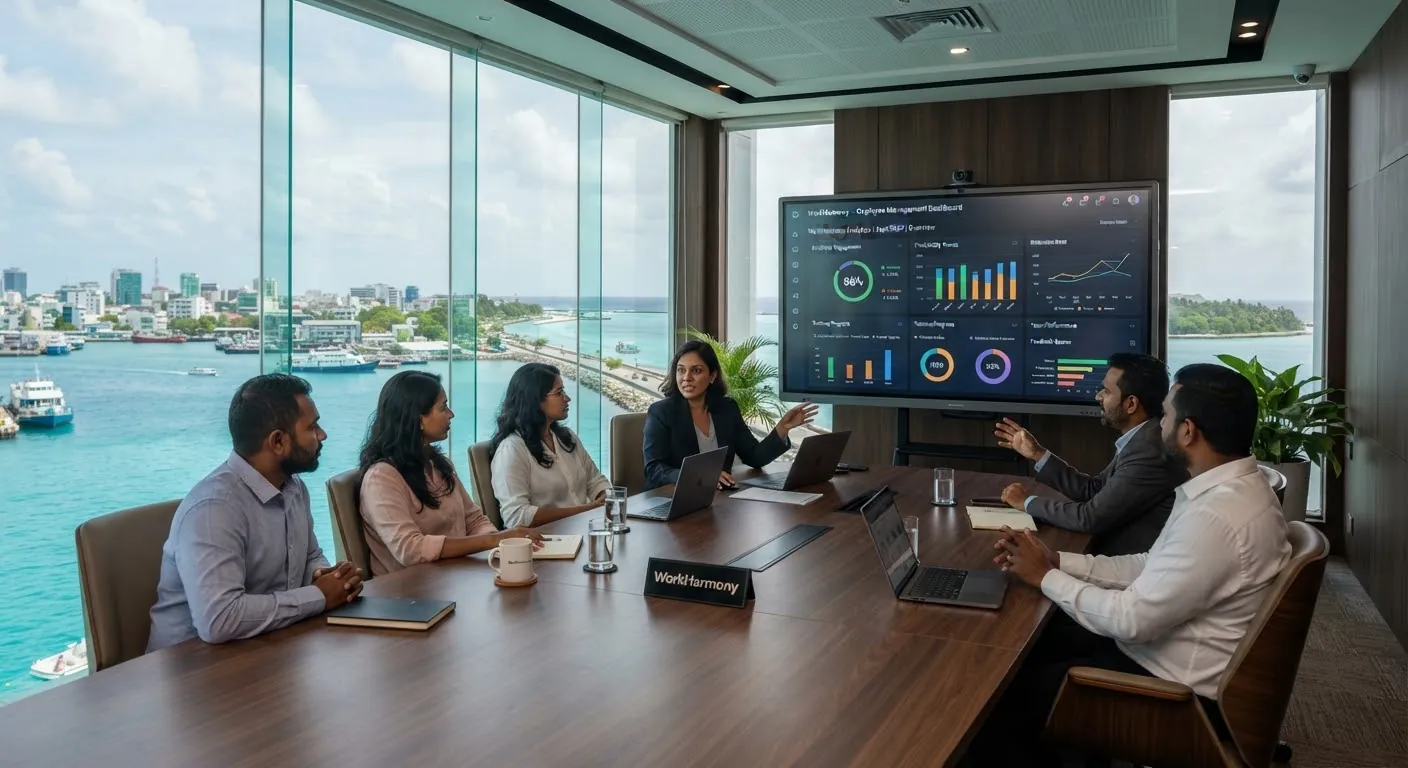
WorkHarmony keeps the whole employment story on one profile: where someone sits in the organisation, who they report to, how their job and salary have changed and the documents that prove it.
What goes wrong today
Contracts, certificates and IDs live in cabinets and inboxes, so nobody knows which copy is current or when it expires.
Job titles, departments and salaries are overwritten instead of dated, so you cannot say what applied on a given day.
Addresses and emergency contacts change, but the update never reaches HR when it is needed most.
Capabilities
A six-group form captures personal details, identification, contact details, employment and full placement, plus permanent and current addresses, in one pass.
Location, division, department, section and unit, with permanent reporting persons and temporary acting lines that can run alongside them.
Job changes, department changes and salary increments form a dated chain: a new record closes the previous one, so every past date has one answer.
Certificates, licences, skills, languages and memberships recorded against the employee, with reminders before documents expire.
Probation periods, misconduct cases and incidents kept on the record they belong to.
Attach scanned documents and files to employee records and many other HR modules.
Employment types, job titles, pay grades and hierarchy levels defined for your organisation.
Employees request contact, address or official photo changes from the app, and HR approves them before anything changes.
Where an approval workflow is set up, new history records stay pending until they are approved.
In the console
Filter by placement, search by name or code, and open any employee to see their full profile and history.
Active employees
486
Across 4 locations
On probation
23
Probation ends tracked
Update requests
7
Waiting for HR approval
| Employee | Department | Reporting to | Status |
|---|---|---|---|
| SASofia AlmeidaEMP-000214 · Guest Services Lead | Operations › Front Office | Mark Jensen | Active |
| AMArjun MehtaEMP-000231 · Accountant | Finance › Accounts | Hannah Weber | Probation |
| FSFathimath ShaznaEMP-000188 · HR Officer | People › HR Operations | Hannah Weber | Active |
| KAKwame AsanteEMP-000245 · Technician | Engineering › Maintenance | Peter Novak | Active |
Lifecycle
Enter personal details, placement, addresses and employment details in the new-employee form.
Add emergency contacts, talent records and attachments; employees add their signature in the app.
Promotions, transfers and increments are added as dated records, approved through your workflow.
The dated history and audit trail show what applied, and who changed it, at any point.
Employees take part
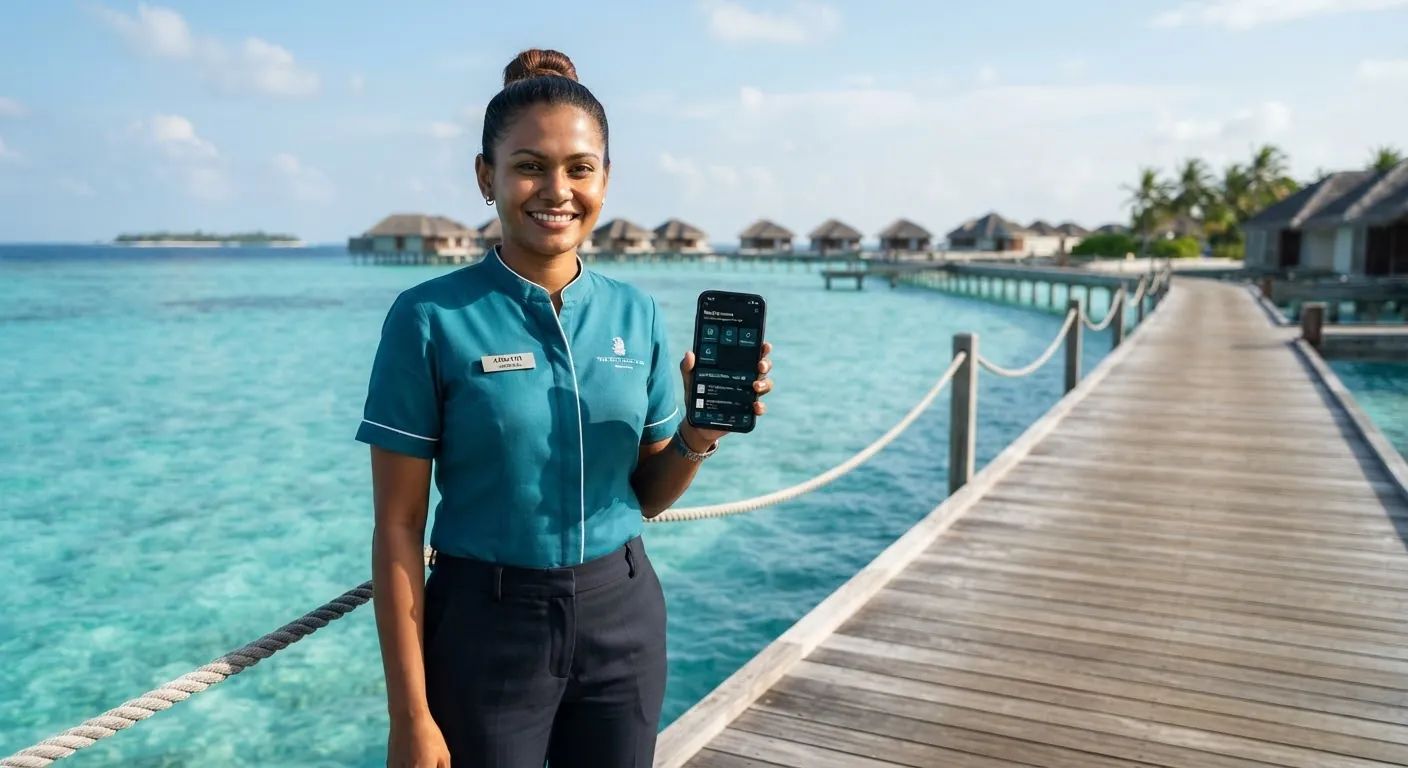
Through the mobile app, employees request changes to their contact details, addresses and official photo. HR reviews and approves each request, so the record stays accurate without HR retyping it.
FAQ
See the employee profile, history and update requests in a short demo.