

Attendance re-keyed by hand
Overtime and absence copied from timesheets into a spreadsheet, then checked again because nobody trusts the copy.
For payroll teams
Most payroll errors begin upstream: an unapproved overtime claim, a leave day nobody recorded, a loan instalment remembered from last month. WorkHarmony builds each payroll run from the attendance, leave, overtime and adjustments already approved in the system, using the rules your company configured.
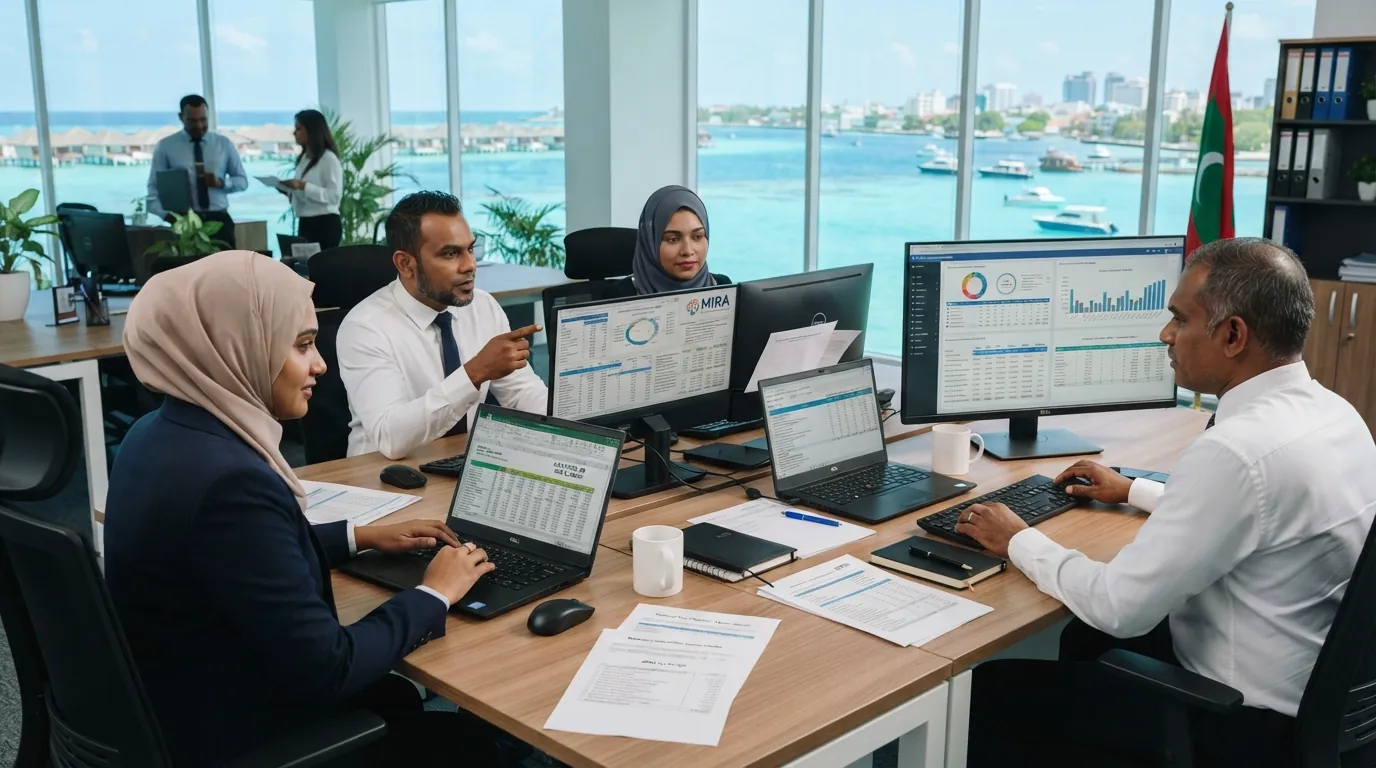
Month end today
Overtime and absence copied from timesheets into a spreadsheet, then checked again because nobody trusts the copy.
Proration, pension and allowance rules hidden in cells that only one person understands.
Corrections made directly on a payslip, leaving no record of what was originally paid.
What payroll gets
Define pay periods and lock them when payroll is final, so the records behind a closed period stay as they were.
Proration for joiners and leavers, daily rates and absence deductions follow payroll run rules your company sets, not hard-coded formulas.
Employee and employer pension contribution rates are configurable, so the same engine works with the scheme your company uses.
Staff loans, salary advances and hire purchases carry payment schedules, and their instalments flow into the payroll they fall in.
One-off adjustments, recurring benefits and deductions are recorded with their approval, not typed onto the payslip.
Payslips are generated from the run and cannot be edited afterwards. Employees read them in the mobile app.
Payroll run
A payroll run summary showing where each employee's figures came from before payslips are released.
Employees in run
248
Overtime hours (approved)
412 h
Loan and advance instalments
37
Pay period
Locked
| Employee | Basic | Overtime | Deductions | Net | Status |
|---|---|---|---|---|---|
| MGMaria GonzalezStore Manager | 4,800.00 | 0.00 | 240.00 | 4,560.00 | Ready |
| AHAhmed HaishamFront Office Lead | 3,950.00 | 310.00 | 180.00 | 4,080.00 | Ready |
| KAKwame AsanteTechnician | 3,200.00 | 520.00 | 415.00 | 3,305.00 | Loan instalment |
| AKAnna KowalskiAnalyst | 4,100.00 | 0.00 | 612.00 | 3,488.00 | Prorated (joiner) |
| RSRavi ShankarDriver | 2,750.00 | 285.00 | 120.00 | 2,915.00 | Ready |
Upstream, not after
Late minutes, overtime and absence come from the daily attendance sheet, after grace minutes and the overtime minimum have been applied. Leave days are recorded per date, so a cancelled day is reflected in the next run.
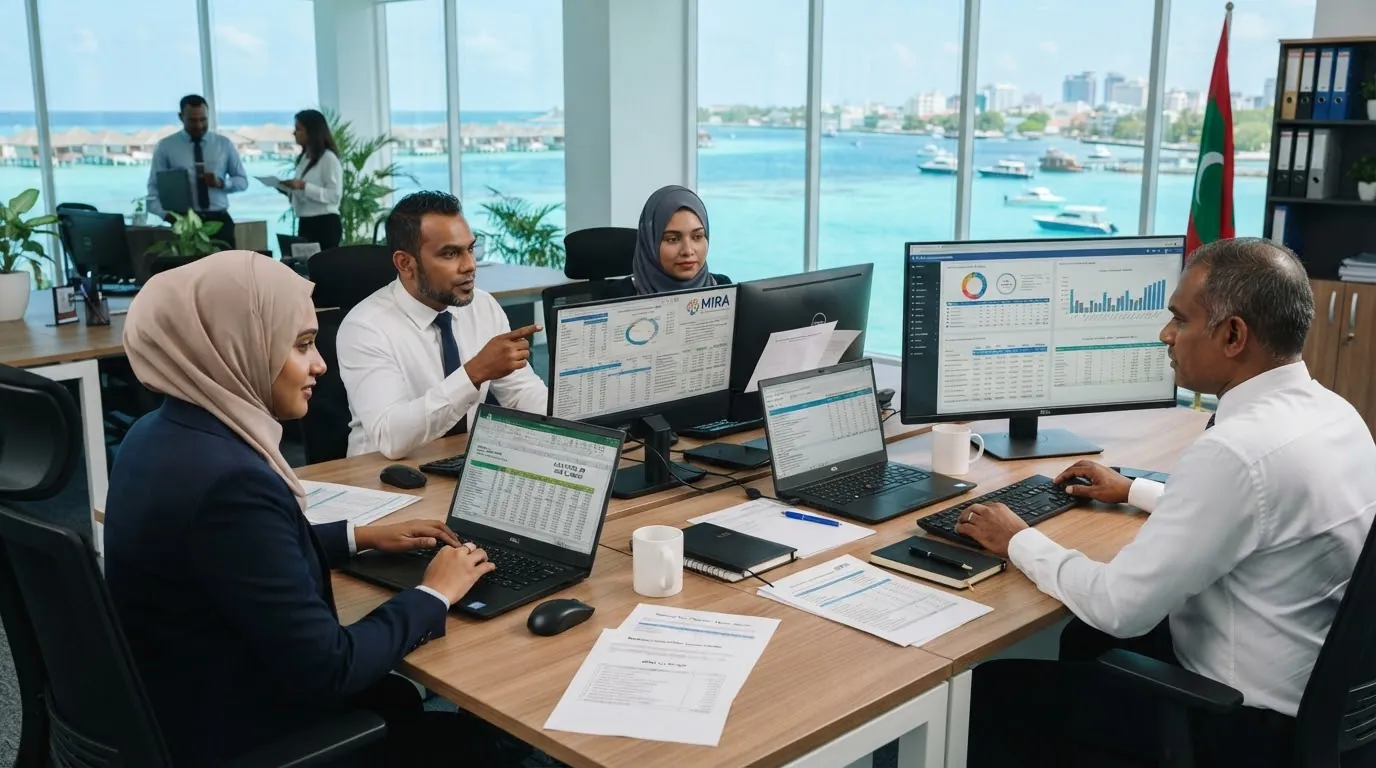
PlannedBank payment files and statutory filing exports are on the roadmap
Bank-specific payment file formats and filing exports for specific authorities are planned, not shipped today. Payroll reports can be exported now; tell us which formats you need.
Payroll questions
Talk to us
Tell us about your pay periods, allowances and deductions. We will show how they map to WorkHarmony's payroll rules.