


WorkHarmony blog
Notes from the people who build the product
How WorkHarmony features work, why they were designed that way and how to set them up for your organisation. Written for HR, payroll and operations teams.
Latest articles


Leave & Attendance
Setting up geofenced and IP-based clock-in on the mobile app
Decide where staff may clock in from their phones: inside a site's geofence, on the office network, or either. A practical setup guide, including the IPv6 detail that catches most people out.
Read more: Setting up geofenced and IP-based clock-in on the mobile app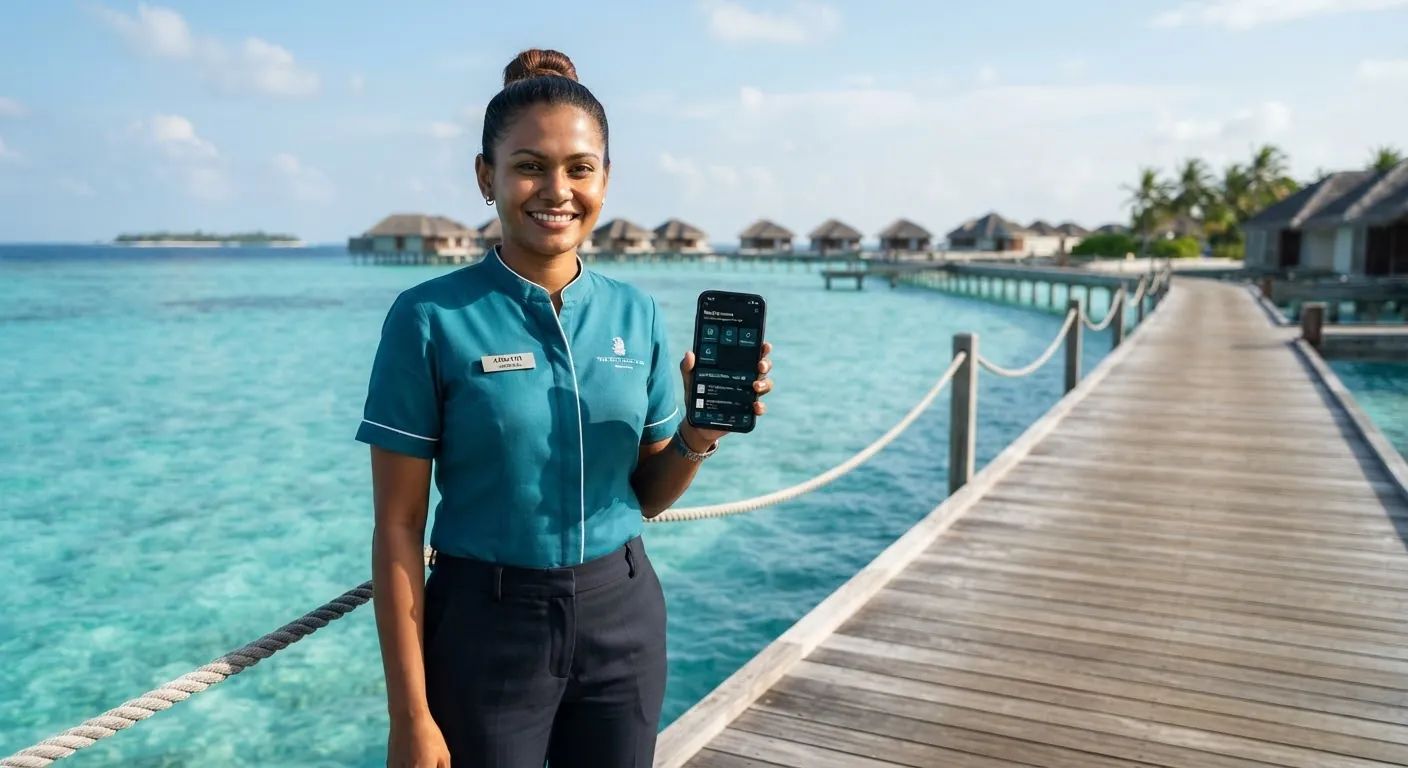
Mobile App
Simple Mode: a calmer app for deskless staff
Not everyone wants a full HR app on their phone. Simple Mode gives frontline staff four clear tabs over exactly the same data, requests and approvals.
Read more: Simple Mode: a calmer app for deskless staff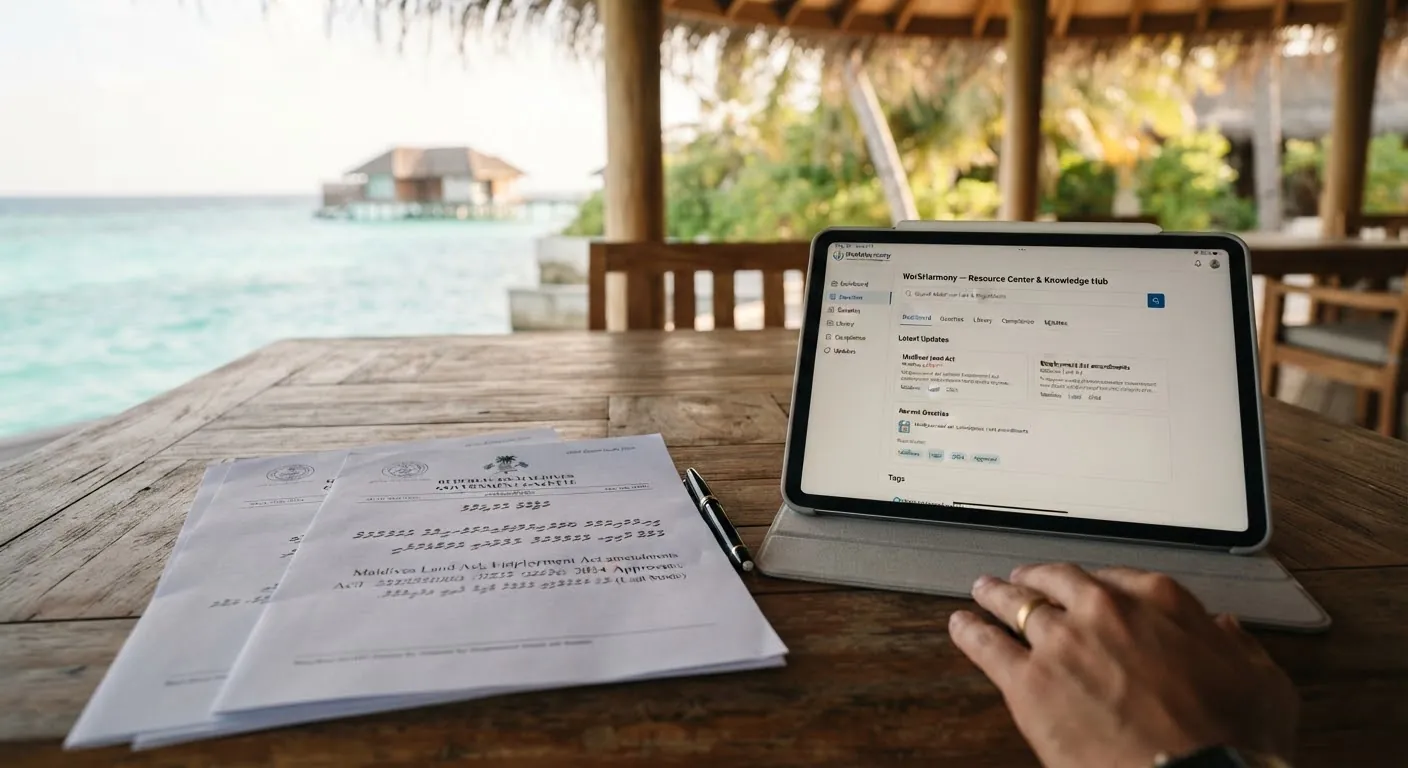
Documents
Designing letters and certificates with the Document & Layout Designer
Build a letter once, fill it with live employee data, brand it for each part of the company and issue verifiable documents by download, print, email or straight to the employee's app.
Read more: Designing letters and certificates with the Document & Layout Designer
Automation
Never miss a document expiry: a practical guide to Smart Reminders
Passports, licences, contracts and probation reviews all come with dates. Smart Reminders turns the dates you already hold into actionable reminders for the right people, by in-app notice, push and email.
Read more: Never miss a document expiry: a practical guide to Smart Reminders
Stay informed
New articles in your inbox
We write when there is something useful to say: a new feature explained, a setup guide or a change you should know about.