

Documents
Designing letters and certificates with the Document & Layout Designer
Build a letter once, fill it with live employee data, brand it for each part of the company and issue verifiable documents by download, print, email or straight to the employee's app.
WorkHarmony Product Team5 min read
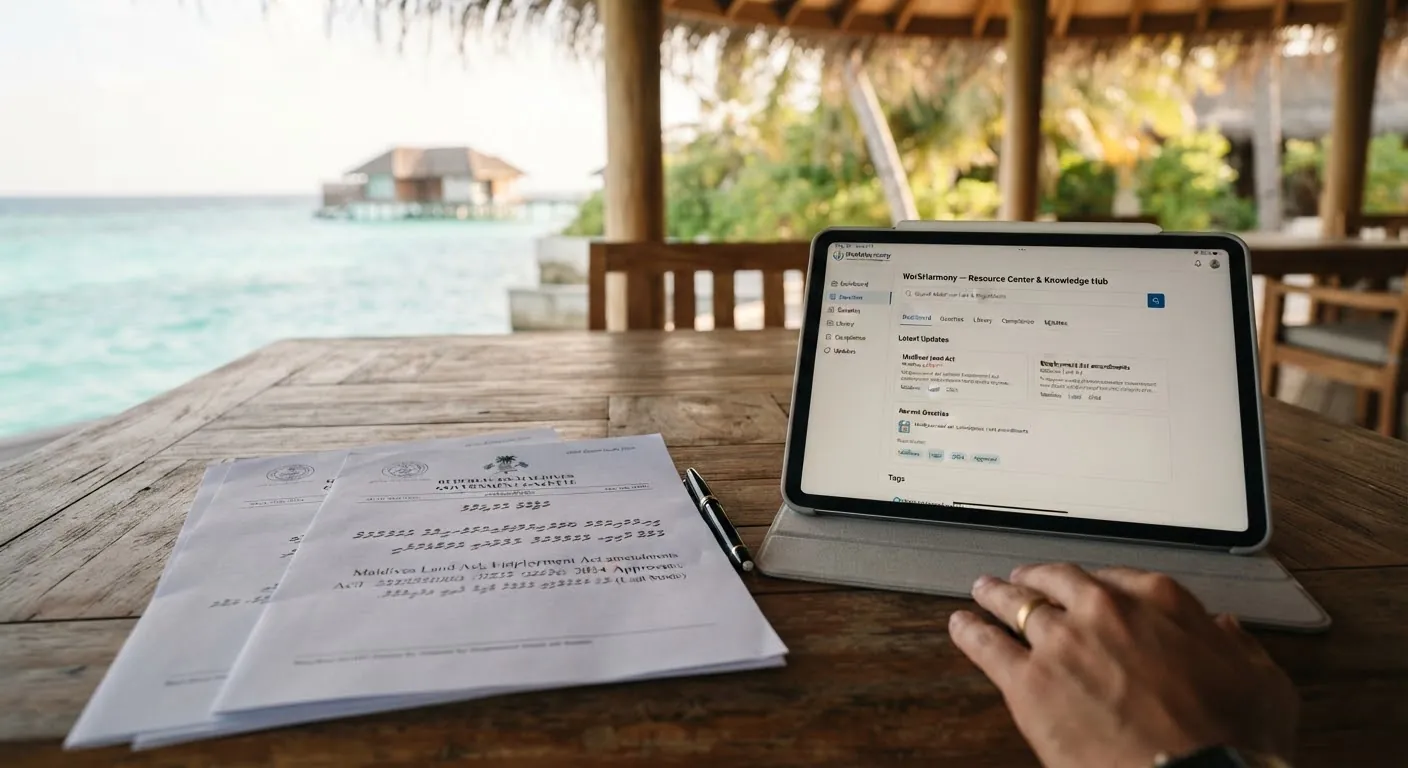
Employment letters, salary certificates, warning letters and contracts tend to live in word-processor files that someone copies, edits and saves under a new name. Over time the wording drifts, logos go out of date and nobody is quite sure which version was sent. The Document & Layout Designer replaces that with templates that pull their data from WorkHarmony.
Where the designer lives
There is no separate menu page. You open the designer from the record it designs:
- Administration ▸ Letter Types
- Administration ▸ Templates
- Administration ▸ Contracts
Each of these forms has a Design field. Choose Use existing to link one of your company templates or a starter from the library. Starters are read-only, so picking one makes an editable company copy and links that. Open in Layout Designer opens the template in a new tab.
Building the layout
Drag elements from the toolbox onto the page: text, images, shapes, lines, icons, tables, QR codes and barcodes, signature blocks and charts. The inspector on the right controls position, size, typography, fills, data and conditions such as "show only when".
Live data fields
Insert fields such as the employee's full name, job title, placement or salary. You only see fields you are allowed to read, and salary fields, for example, still need payslip permission. Saved expressions cover common formulas: length of service, salutations, amounts in words, pay-period and leave date ranges, and notice periods. Every company starts with a set of samples that you can edit or delete.
Branding that follows the employee
A brand kit holds your colours, logos, letterhead, contact details and portal address. You can keep one default kit and add kits for departments, divisions or locations. When a document is issued, it uses the most specific kit for that employee's placement, so one template serves the whole company.
Languages and right-to-left text
Each layout is written in a language enabled for the designer. A language sets the text direction, left to right or right to left, as well as an optional locale and body and heading fonts. You can upload your own fonts in common web and desktop formats.
Print or email layouts
When you create a layout you choose whether it is meant for print or for email. Email layouts are sent as properly rendered images of the page, so they look the same in any mail client.
Preview, publish, issue
- Preview with sample data, or, with permission, with a real employee. The preview flags missing values, clipped text and any field you are not allowed to read.
- Publish to make this version the one used for official documents. If your company requires approval, submit it for review first. Approval can be routed through an approval workflow.
- Editing a published template creates a new draft. The published version is untouched until you publish again.
To issue a document, use the Documents button on an employee, payslip, leave request or resignation. Generate the document, then download, print, email it, or send it to the employee's app, where it appears under My documents. Issued documents can be reprinted or revoked with a reason. They are never silently replaced.
Signatures and signers
A signature block names who signs: the employee, the creator, or a job title. Signatures are images placed by authorised signatories. WorkHarmony does not claim cryptographic digital signing, and says so plainly.
Verification
Every official document carries a verification code and QR code. Anyone can check it on your company's verification page, which confirms that the document was issued and whether it is still valid, without showing its contents. If a document is revoked, the check says so.
Letter requests and bulk mailings
When employees request a letter, the request previews the letter type's design for that person. For company-wide communication, Email Employees sends a designed letter to a selected group, with progress you can follow while it runs.
Good habits
- Start from a starter and adapt it rather than designing from a blank page.
- Fill in the brand kit's website and portal addresses before you use QR codes that point to them.
- Use saved expressions instead of typing the same formula into several templates.
- Turn on approval before publishing if several people edit templates.
- #Document Designer
- #letters
- #templates
- #branding
More to read

Leave & Attendance
Setting up geofenced and IP-based clock-in on the mobile app
Decide where staff may clock in from their phones: inside a site's geofence, on the office network, or either. A practical setup guide, including the IPv6 detail that catches most people out.
Read more: Setting up geofenced and IP-based clock-in on the mobile app
Mobile App
Simple Mode: a calmer app for deskless staff
Not everyone wants a full HR app on their phone. Simple Mode gives frontline staff four clear tabs over exactly the same data, requests and approvals.
Read more: Simple Mode: a calmer app for deskless staff
Automation
Never miss a document expiry: a practical guide to Smart Reminders
Passports, licences, contracts and probation reviews all come with dates. Smart Reminders turns the dates you already hold into actionable reminders for the right people, by in-app notice, push and email.
Read more: Never miss a document expiry: a practical guide to Smart Reminders